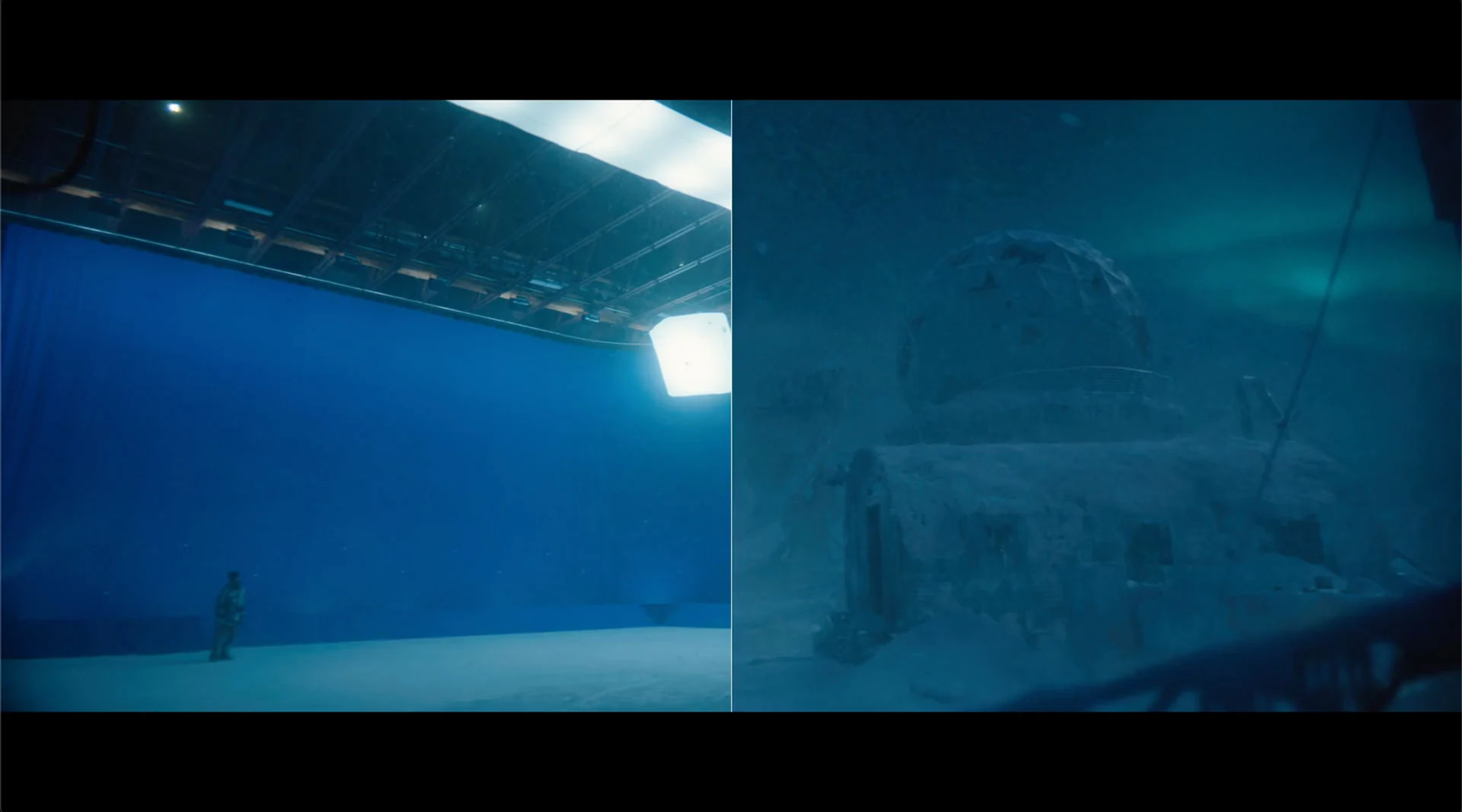
Large plate deliveries needed repeatable preparation for Assimilate Live FX. Separately, reusable Unreal content needed an organized route from shared storage to artists’ and stage teams’ local projects. Both workflows supported production, but handled different content and applications.
My contribution
Assimilate Live FX: I built a standalone Windows ingest tool for batch plate loading, metadata extraction, ProRes 422 LT preparation, stage and wall mapping, and Live FX project setup.
Unreal Engine: I built the internal asset pipeline for creating, organizing, and deploying reusable Unreal content from server storage to local machines.
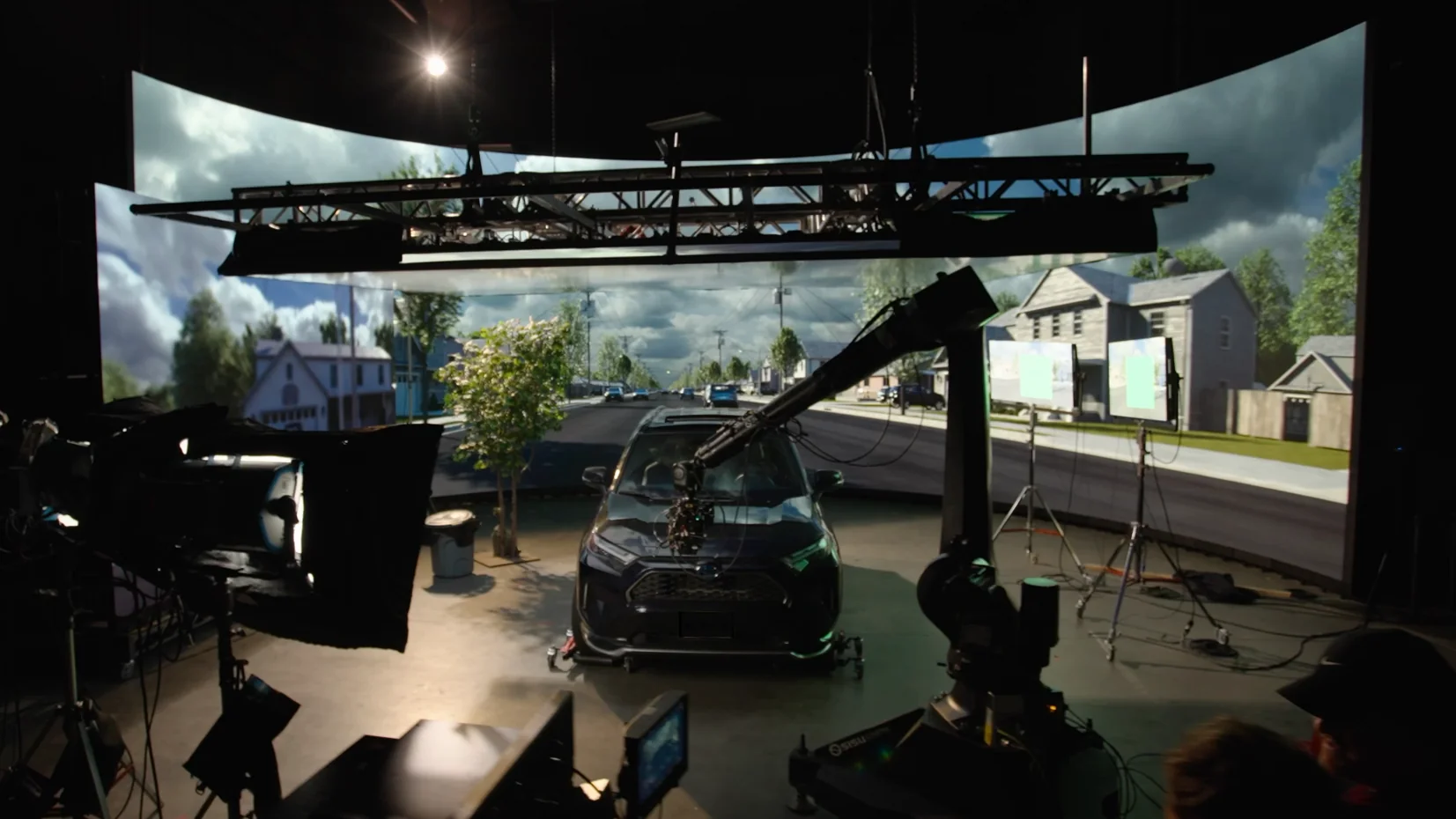
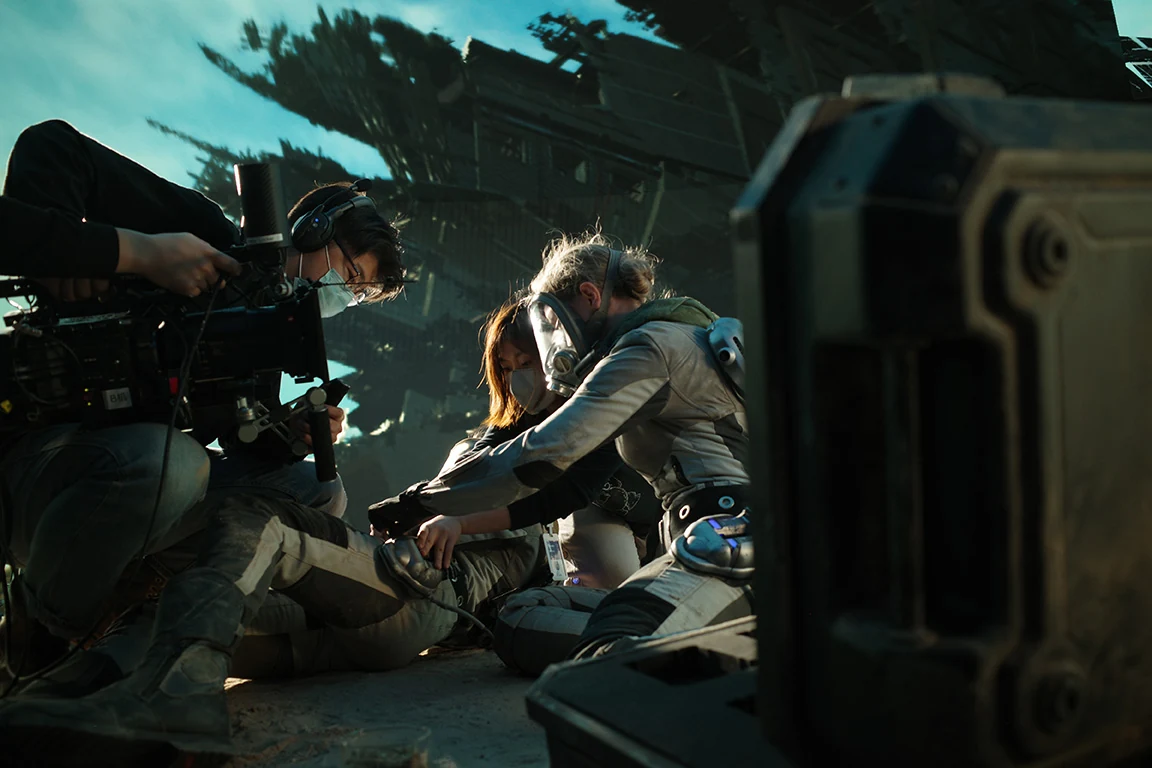
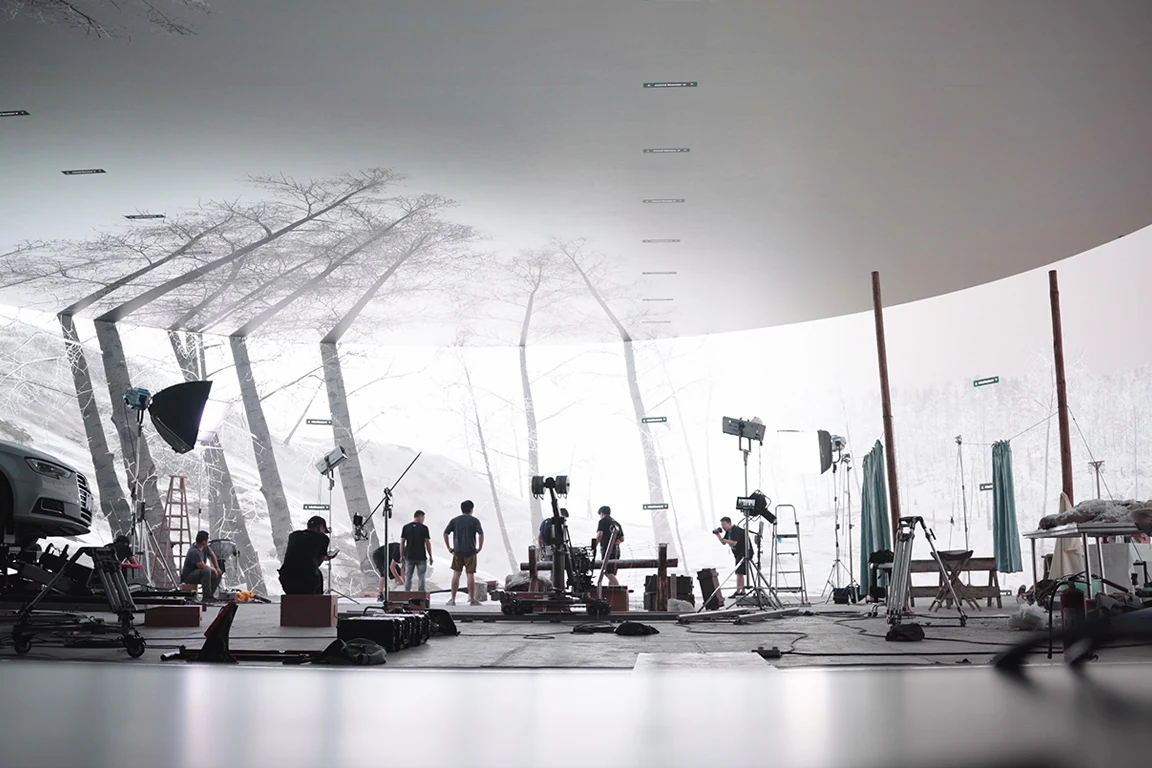
Stage operation: I operate Unreal for real-time scenes and Assimilate Live FX for plate playback, with content checks and troubleshooting from setup through wrap.
Plate-ingest result
The tool reduced repetitive plate preparation to a few clicks. It processes large media batches, extracts metadata, prepares the files, and creates the Assimilate Live FX project with the stage and wall settings. The operator then checks the prepared media and playback before the shoot.
STUDIO ASSET LIBRARY / SERVER TO ARTIST
The studio’s own asset marketplace, inside Unreal.
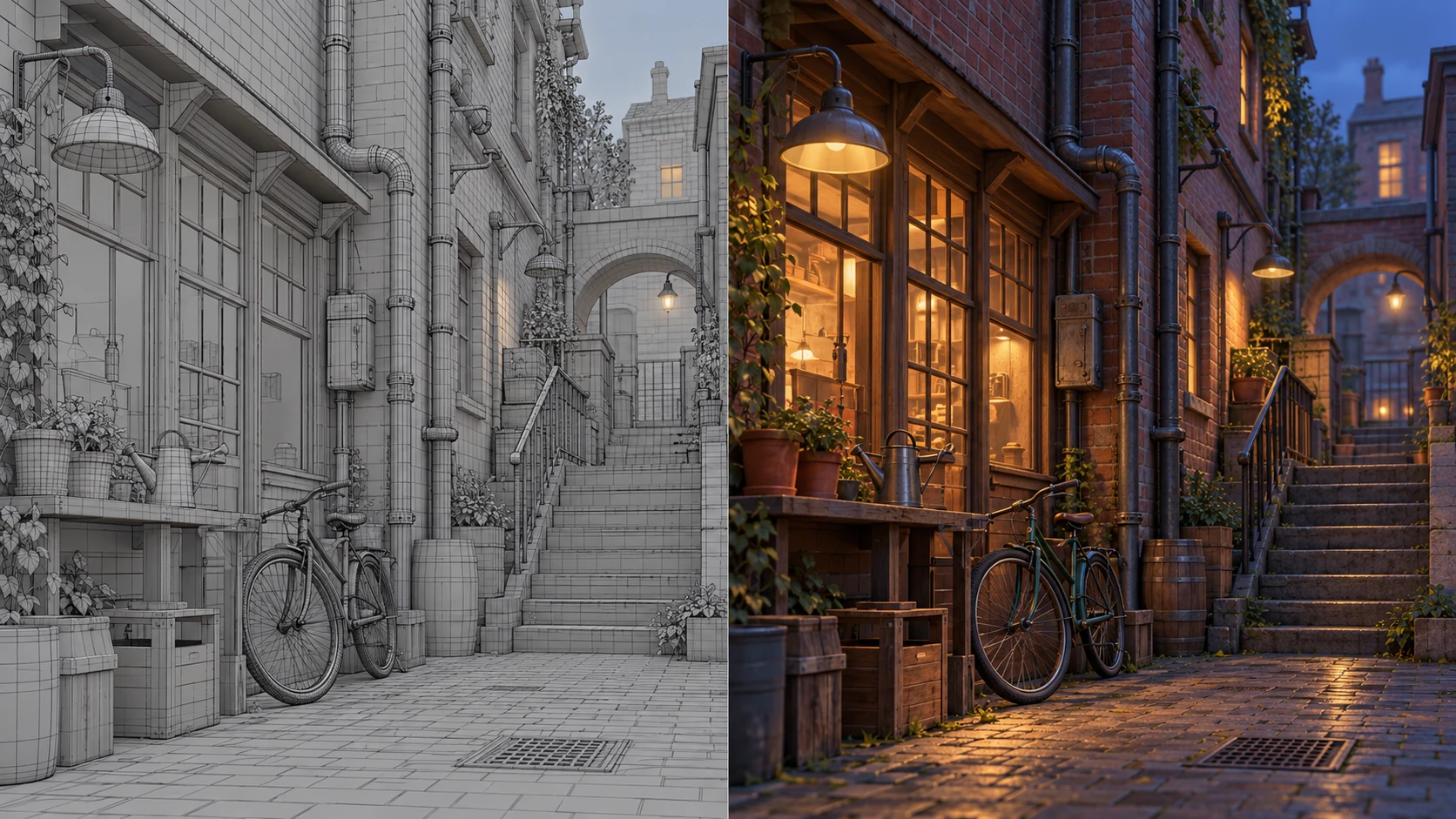
I built a shared library for artists, developers, and stage teams to browse company assets and drag them into their work. The tool copies content and its dependencies from the studio server to the local project. Blueprints, props, materials, and environments stay reusable across scene building, look development, visualization, and stage production.
01 / PublishOrganize reusable studio content in the shared catalog.
02 / BrowseFind assets by category and preview their contents.
03 / Drag & dropChoose the asset directly from the docked editor tool.
04 / Copy locallyBring the asset and its dependencies into the local project.
05 / BuildUse the content for artist work, review, rendering, or stage playback.
STANDALONE WINDOWS TOOL / ASSIMILATE LIVE FX
Large plate deliveries, prepared in batches.
The ingest tool processes media for Live FX: load the source batch, extract metadata, prepare ProRes 422 LT files, configure stage and wall mapping, and create the Live FX project. Automation replaces repetitive per-plate setup with a few guided actions; playback QC remains part of the production handoff.
BATCH PLATE INGEST / ASSIMILATE LIVE FXCONFIGURED
PLATE SETARRAYROUTING
City / day9 camerasSaved wall config
Forest / dusk9 camerasSaved wall config
Tunnel / night9 camerasSaved wall config
NC01C02C03C04C05C06C07C08C09 · UPCEILING / SKY
Main WallMobile Wall AMobile Wall B8 horizontal plates + C09 ceiling/sky plate. Wall assignments follow the selected configuration.
✓ Auto-populate walls using saved configurations
✓ Extract metadata and prepare ProRes media
BATCH INGEST
Prepare multiple plate sets and populate the Live FX project in one workflow.
Motion, scene, review, and delivery tools designed with the people using them every day.
CURRENT SEQUENCETAKE_042 / HERO_RUN
Tool state is visible before anything is committed
The production need
Artists needed reliable ways to ingest motion and assets, prepare scenes, manipulate takes in Sequencer, review work, and catch delivery problems without rebuilding the same setup by hand.
My contribution
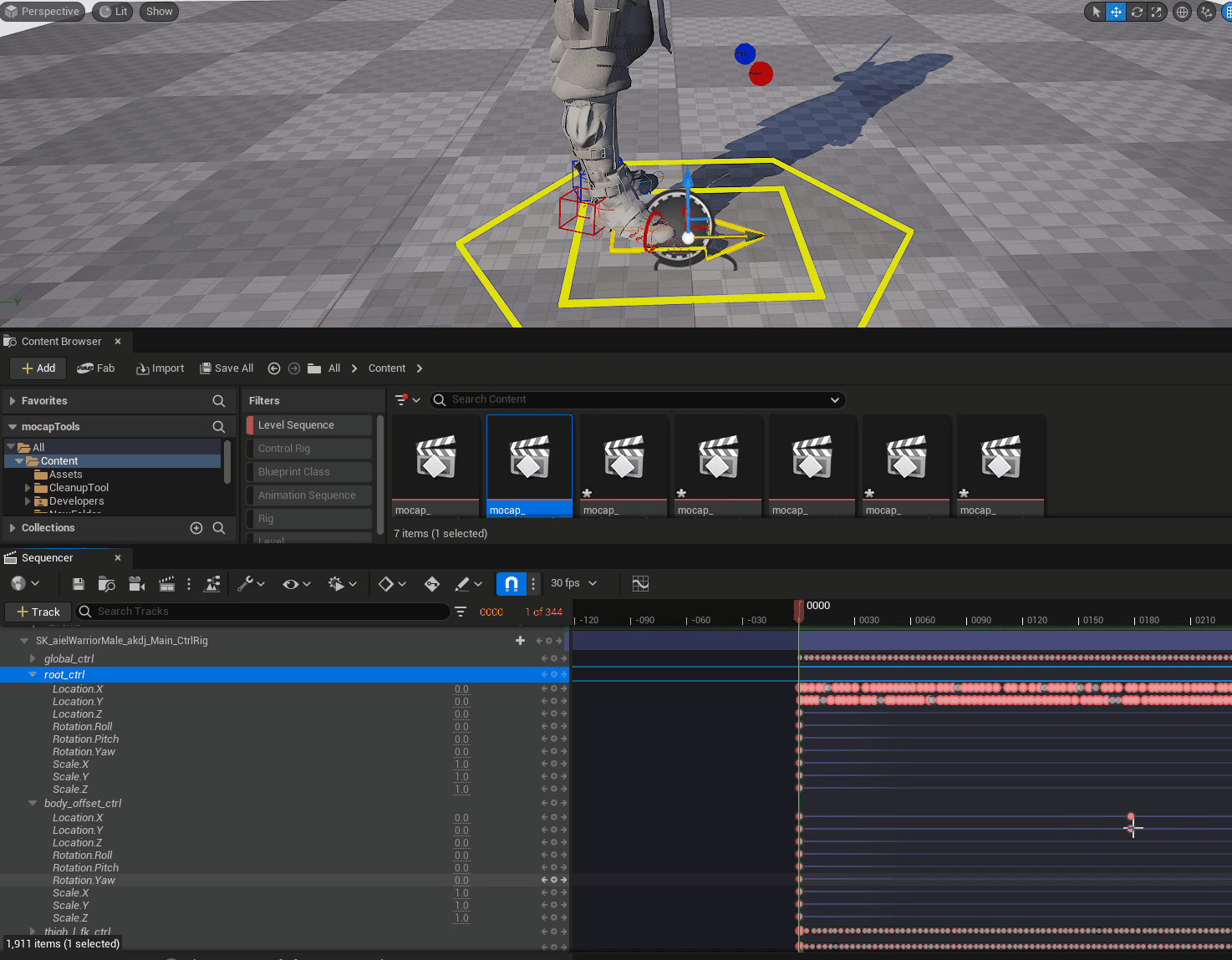
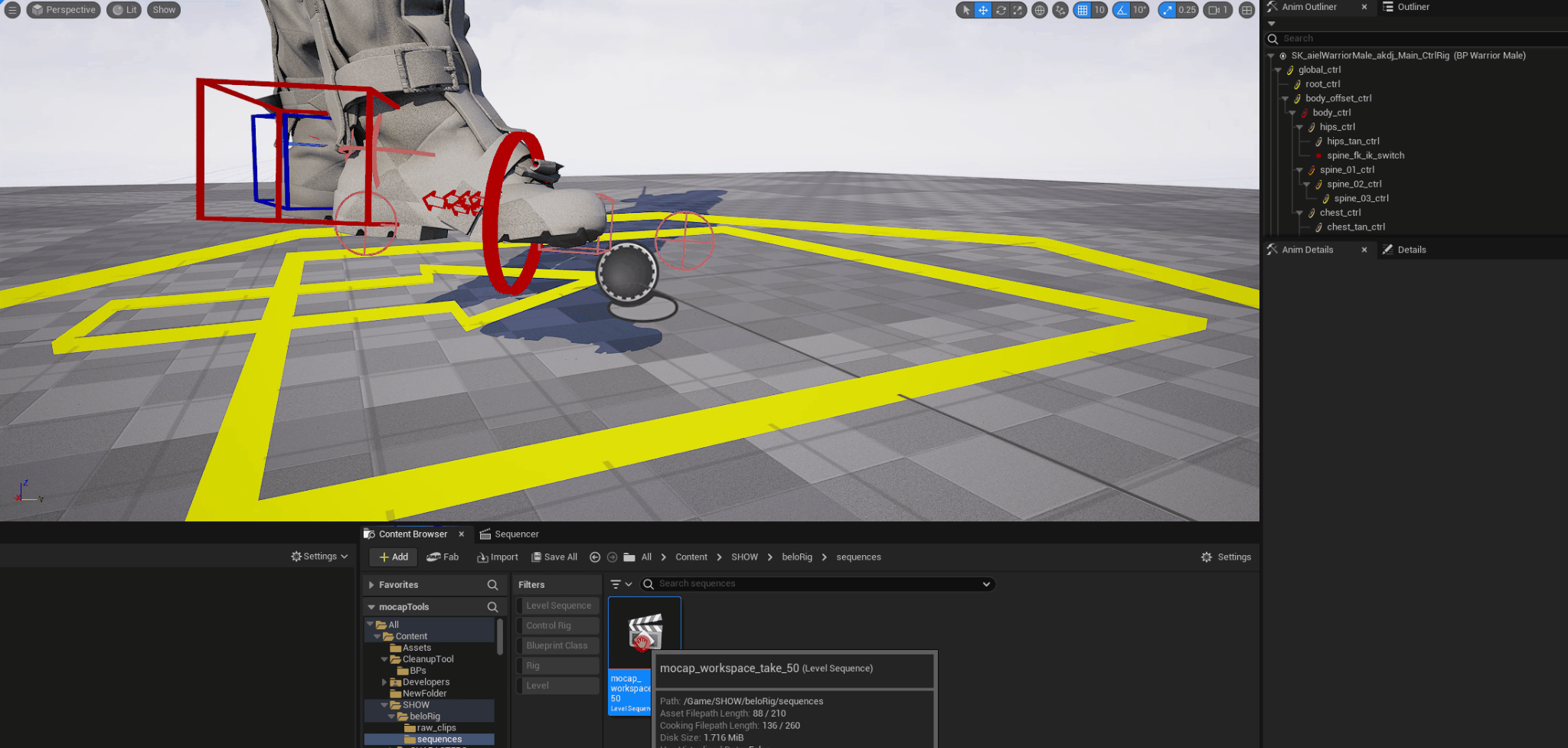
I developed Blueprint and editor tools for root-key transfer, mocap cleanup, asset ingest, character and camera setup, Sequencer scripting, naming, metadata, review, and validation. I built VCam controls and production interfaces, maintained plugins and versions, and revised the tools from artist and supervisor feedback.
The work extended beyond a button or isolated script. I traced the path from incoming assets and motion through artist work, review, and handoff so each tool fit the production around it.
What it changed
The tools reduced repeated asset and mocap setup, standardized naming and metadata, and helped catch delivery problems before handoff.
BELOFX / UNREAL EDITOR TOOL
Asset turntables from a Scripted Action.
I built a turntable generator that starts from an asset’s right-click menu in Unreal. The Scripted Action creates the sequence, lighting, and background around the selected character or asset, so the user can prepare a turntable without assembling the scene by hand.
The tool offers an HDRI setup with rotation driven by Sequencer, or a studio lighting setup with key and fill lights. It brings the asset, lighting, background, and sequence together for turntable review and rendering.
Mocap cleanupSelection-aware animation cleanup inside the working scene.Camera & character controlsArtist-facing controls for camera motion, framing, and setup.
LIGHT ID / PASS TAGGINGREAL-TIME + OFFLINE
Character keyCHAR_KEYBEAUTY
Environment fillENV_FILLBEAUTY
Rim lightsCHAR_RIMISOLATE
Practical lightsPRACTICALSISOLATE
AtmosphereATMOSPHEREFX
Custom lighting-pass organizationI built Light ID so supervisors and artists could tag and group lights for the passes they needed in real-time or offline renders. The custom tagging workflow lets the team define lighting-pass groups beyond the three standard Unreal lighting-channel assignments, then select the groups needed for a render.
BELOFX / SPHERE / PREVIS
See it from the audience’s perspective.
I created previs to show how the Sphere would look from different audience viewpoints, including the left and right sides. The setup let the team review the experience from multiple angles and understand how it would read to someone viewing it.
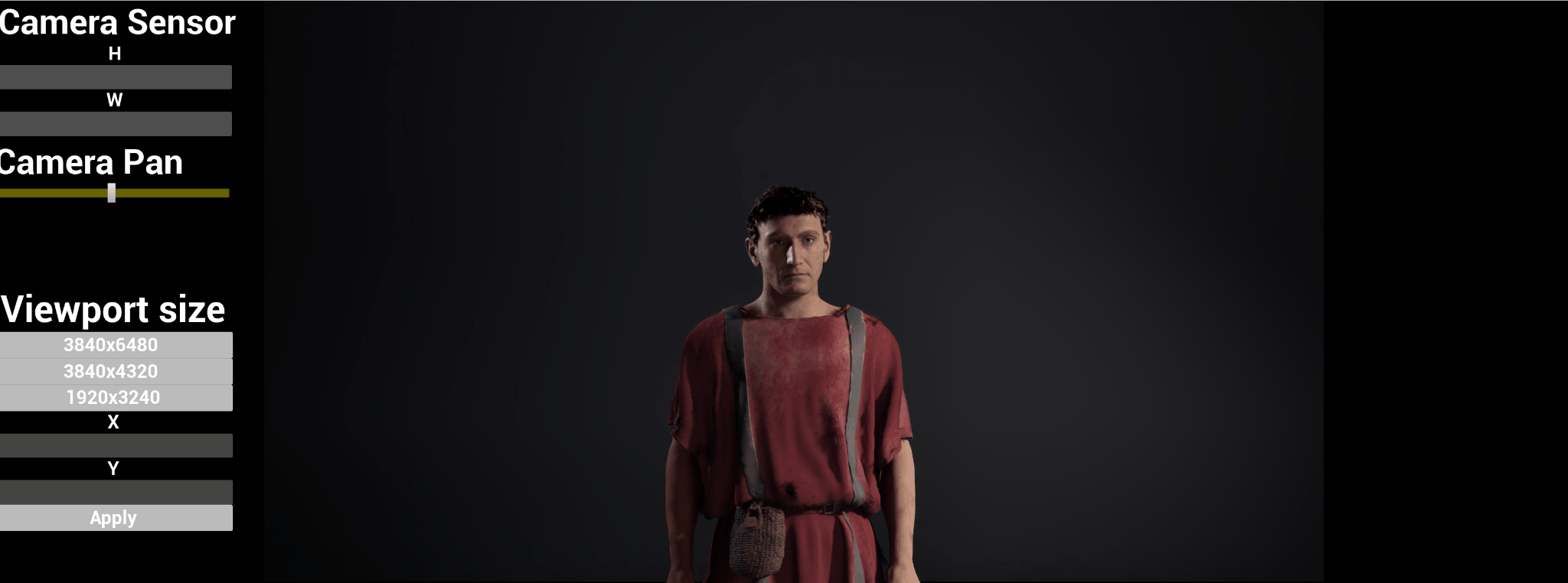
I also worked on Discovery Pompeii Alive during my time at beloFX. The project combines interactive storytelling and real-time technology to bring ancient Pompeii into an immersive experience.
Nine characters, 42 material sets with seven variants plus a base, animation caches, three shapes, backgrounds, and output rules created roughly 146,000 possible sequence variations.
My contribution
I built the Unreal pipeline that selects and assembles characters, creates and assigns material instances, connects caches and shapes, pairs backgrounds, builds Sequencer content, applies names and metadata, validates the result, and prepares the package for the Conductor render farm.
The same assembly and delivery rules carried the raw inputs through sequence preparation and render-farm handoff.
What it changed
Automated sequence assembly replaced repetitive manual setup. Consistent naming, input checks, and delivery rules reduced human error across the character variations and prepared them for batch rendering.
▾ All ▾ Content ▾ Simulation Airfield Aircraft Materials
Name
Type
Airfield_Simulation
World
BP_HelicopterTraining
Blueprint Class
SM_AirportHangar
Static Mesh
SM_Runway
Static Mesh
M_Airfield
Material
Content Drawer | Output Log | CmdDerived Data | All Saved | Revision Control
SIMULATION / UNREAL ENGINE
Build the environment. Keep it responsive.
I worked on Unreal simulation development for training, including airfield content ingest, scene setup, rigging, and performance work for real-time operation.
The viewport presents the civilian training context; the editor layout shows how scenario content is organized around the live environment.
05
PIXOMONDO · UNREAL ENGINE DEVELOPER
Animated assets that fit the volume.
Unreal optimization tooling developed for LED-volume playback.
01High-resolution animated sourceReceive the asset and preserve its motion.
02Automated view bakeGenerate the lighter representation and supporting data.
03Stage-ready outputDeliver a predictable real-time asset for LED playback.
The need
Detailed animated assets can exceed the performance budget of a real-time scene while still needing to read credibly in camera.
My contribution
I developed the animated impostor generator and related editor extensions that turn demanding animated content into a lighter representation for Unreal. I also worked on asset preparation and library consistency.
What it changed
Scenes could keep higher-detail animated content with a more predictable real-time cost. I built the tool for volume use; I was not the volume operator.
06
DISTILLERY VFX · UNREAL ENGINE REALTIME DEVELOPER
Scout the environment. Plan the physical volume.
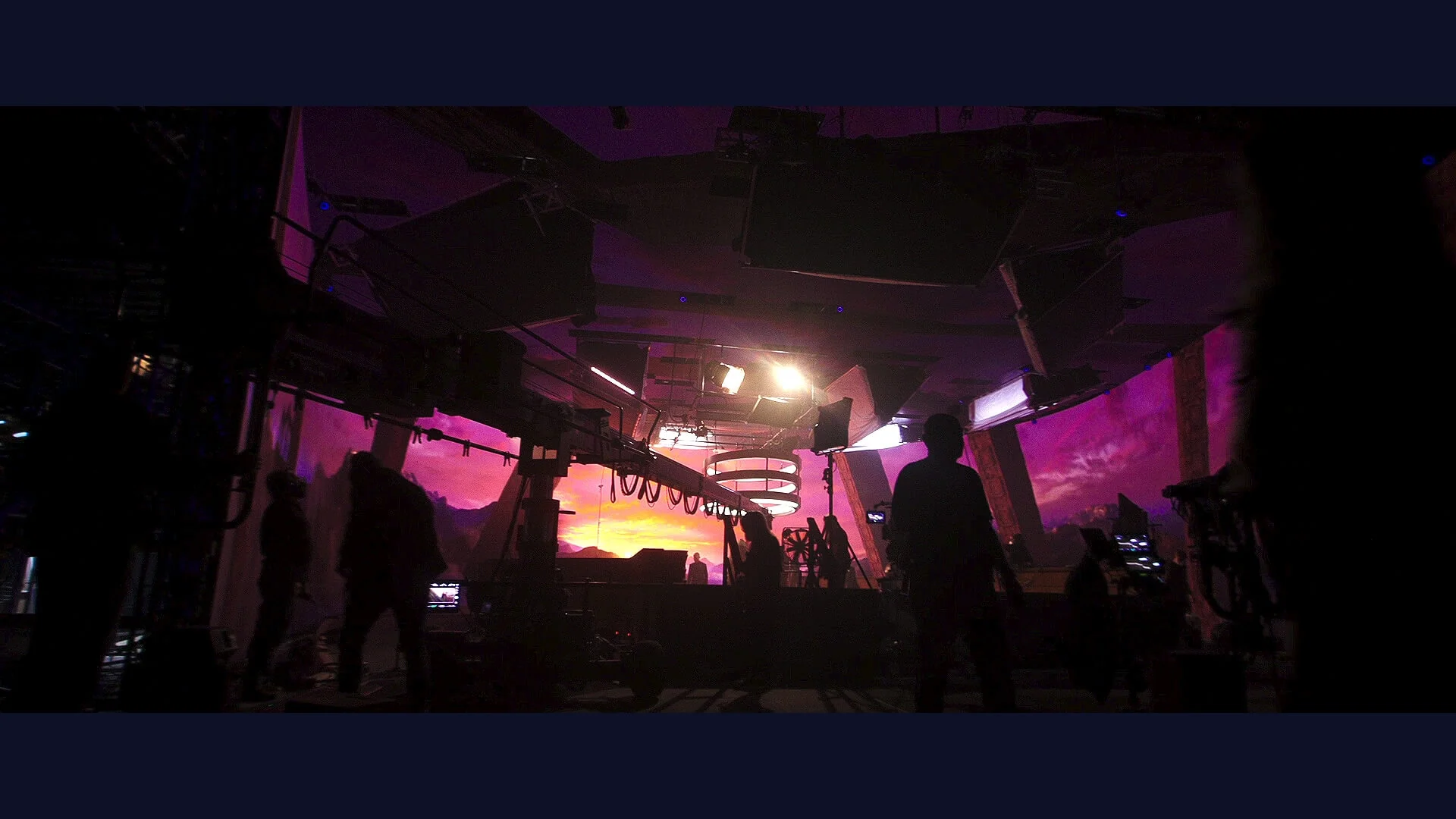
Editor and VR scouting for directors, DPs, art departments, and stage teams—connecting a digital environment to the space available on an LED stage.
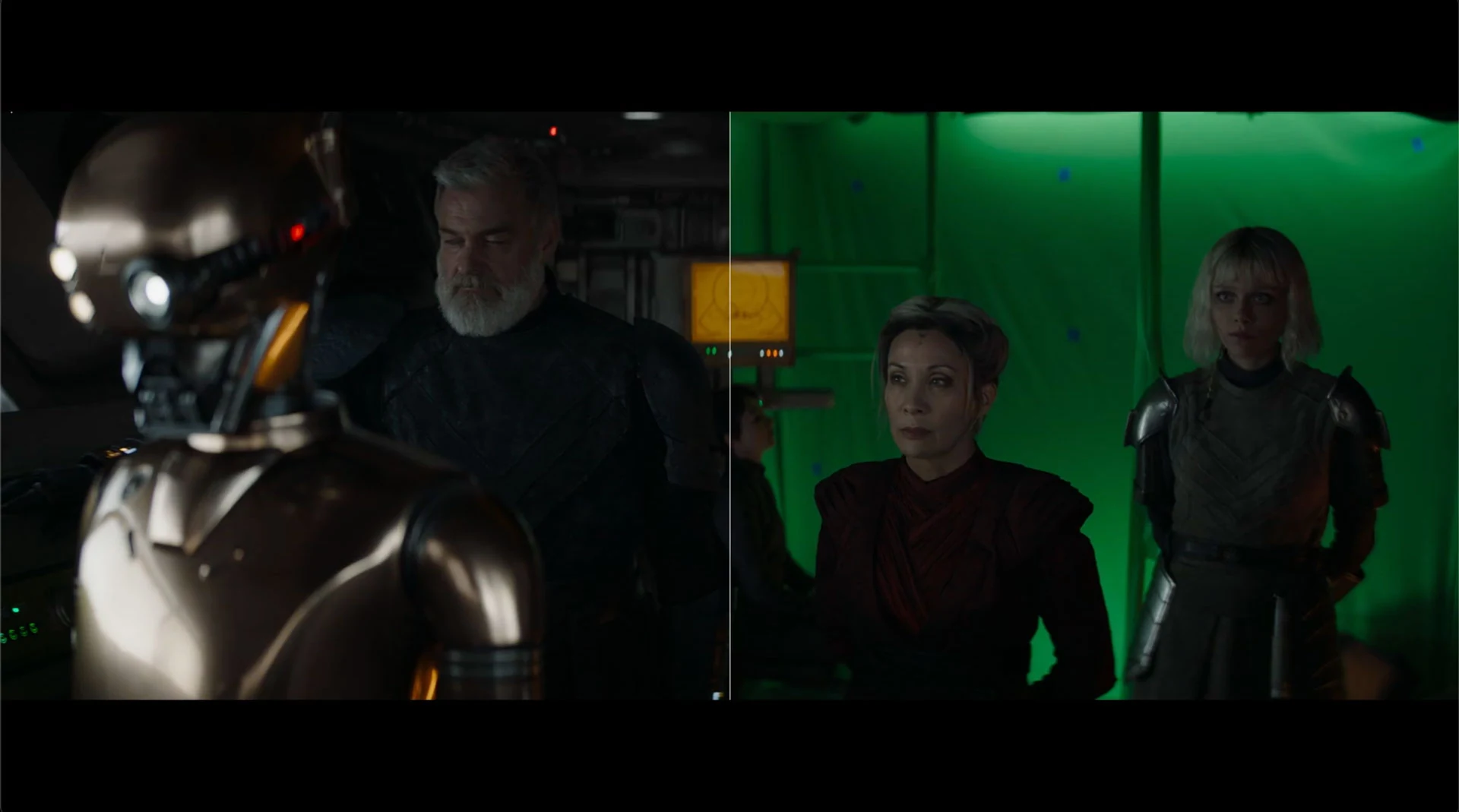
Ahsoka · published Distillery VFX breakdown still · Source ↗Monarch · published Distillery VFX breakdown still · Source ↗
The production need
A digital environment does not automatically fit a physical LED volume. Directors and DPs need to judge camera positions, lenses, and wall coverage; art departments need to understand which elements belong on the screens and which must be built. Those decisions should be possible before the team arrives on-site.
My contribution
I developed an LED-volume VR scouter alongside Distillery’s Unreal pipeline and production interfaces. The expansion design brings single-user and multiuser scouting into both VR and the editor, with direct stage controls so a scout does not depend on someone at a workstation making every adjustment.
My wider work included reusable modules, shaders, Niagara systems, scene and rendering profiling, and consistency between DCC packages and Unreal.
Production value
The scouting workflow is designed to support remote shot planning, collaborative previs, and clearer physical-build decisions. Teams can investigate wall distance, prop placement, build scope, and possible staging bottlenecks while changes are still practical.
EDITOR / VR / COLLABORATIVE SCOUTING
One environment. A shared stage plan.
The plugin expansion defines controls for moving the volume, evaluating camera coverage, and discussing the physical and digital parts of a set in the same session.
01 / STAGE PLACEMENT
Move the stage from inside the scout
Translate the stage on X, Y, and Z; rotate freely or in snap increments; and adjust world scale relative to the user and stage, or stage scale relative to the world. Joystick, button, and UI inputs drive the stage’s parent actor in editor or VR.
02 / CAMERA & LENSES
Frame with a lens kit or dial in a focal length
The VR viewfinder design pairs preset lens selection with fine focal-length adjustment: one input axis steps through the kit and the other increments the selected focal length.
A scripted action assembles the selected stage meshes under a shared parent actor, attaches controls and observer cameras, and exposes saved positions within the environment. Wall display modes include screen content, partial opacity, transparency, and a chosen solid colour.
04 / WALL-FRUSTUM PREVIS
See camera coverage on the virtual wall
A stage-specific child Blueprint uses the selected volume’s nDisplay configuration to preview the camera frustum on the wall material. The design supports a tracked puck or VCam in the editor and a selectable scout camera in VR, showing wall coverage rather than only a separate viewfinder image.
05 / PHYSICAL & DIGITAL SETS
Identify what needs to be built
A volume-shaped decal mask follows the stage parent’s transforms and highlights assets inside the footprint. Inverting the mask highlights what sits outside. This gives the team a shared visual reference when deciding physical builds, digital scenery, prop positions, and clearance from the wall.
06 / SHARED PERSPECTIVE
Step back and review the whole layout
A top-down VR mode scales the world and stage into a miniature view in front of the user for positioning and overview. Observer cameras let another participant review and give feedback while the scout explores, supporting both individual preparation and collaborative planning.
07
VERSATILE MEDIA · LEAD UNREAL ENGINE DEVELOPER
Live virtual production systems.
Technical development carried into mocap sessions, client reviews, and stage work.
Virtual cameras, mocap, tracking, playback, live review, scene performance, and rendering needed to work as one system during production.
My contribution
I led Unreal technical development, built and maintained VCam and mocap workflows, and developed VAD and artist tools. I diagnosed synchronization, tracking, playback, rendering, and performance issues under live production deadlines.
I supported on-set shoots, live mocap, client sessions, and final renders, carrying the tools through the moments where people relied on them.
What it changed
The tools supported camera, mocap, and review sessions, while live troubleshooting kept tracking, playback, and rendering working during production.
08 / Software & development
Software and interactive projects.
Desktop applications, projection software, Unreal rendering, and gameplay development.
ARCANA / UNREAL DEVELOPER
Maya-to-Unreal production pipeline
As the studio’s sole Unreal developer, I built Blueprint tools for scene setup and content transfer. I also developed remote rendering and review workflows so teams could review changes in Unreal without waiting for an offline render at every iteration.
INNERGALAXY / INTERACTIVE PROJECTION SOFTWARE
Tracking, effects, and projection control
InnerGalaxy is a Windows visual application built around camera and depth input. My work covers multi-person tracking, camera-to-projector alignment, a separate projection output, and controls for tuning how visuals react to people in the space.
The effects include starfields, flowing particles, fluid and sand behavior, depth trails, topographic waves, and image distortion. I developed MIDI control around the APC40 for switching effects and adjusting parameters live, alongside work on tracking stability, projection performance, and camera reconnection.
DREAMON / DESKTOP SOFTWARE
A desktop interface for ComfyUI workflows
I built the application interface and automation around local ComfyUI workflows. DreamOn handles model and runtime setup, reference processing, mask editing, and queued image, video, and 3D tasks, bringing those steps into one desktop application.
GAUSSIAN SPLATS / UNREAL ENGINE PLUGIN
Importing and rendering splats in Unreal
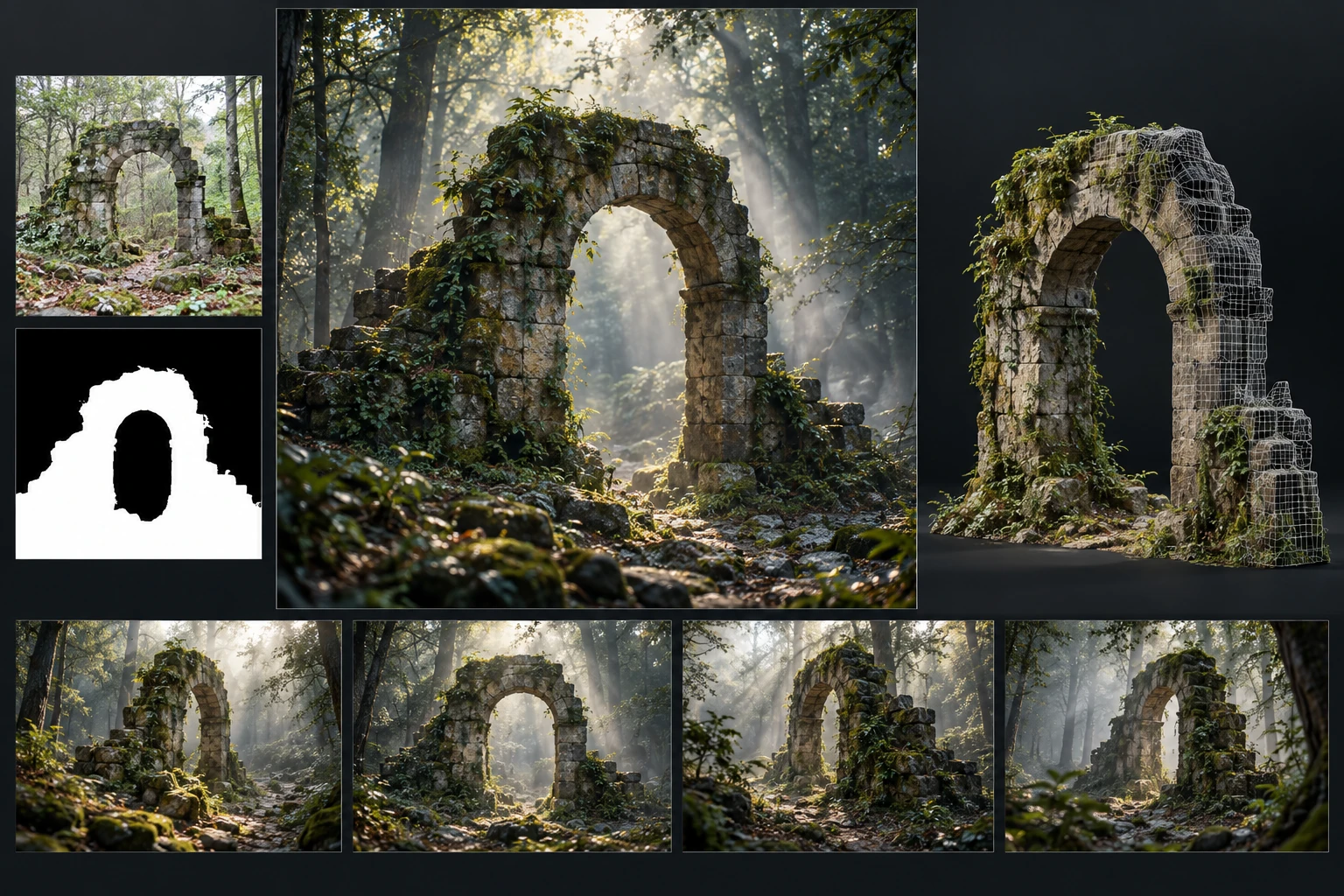
I developed a UE5 plugin for importing .ply point-cloud assets and rendering them through the GPU. The rendering work covers depth and occlusion, lighting and shadows, and performance tuning for scenes with large numbers of splats.
GAMEPLAY / UNREAL BLUEPRINTS
VR gameplay and interaction
I built a multi-platform VR roguelike shooter prototype and worked on player controls, combat, abilities, and spatial interaction. This work focused on how the player moves, interacts with objects, and uses the game’s mechanics in VR.
ARCANA / MAYA TO UNREAL
Moving the rendering workflow into real time.
I worked on moving the studio’s Maya-based scene workflow into Unreal for real-time rendering, still images, and review. My contribution included content transfer, Blueprint scene-setup tools, and remote rendering and review, giving the team a way to iterate without an offline render after every change.
Content transfer → scene setup → materials and lighting → render and review
DREAMON / INTERFACE & WORKFLOW DEVELOPMENT
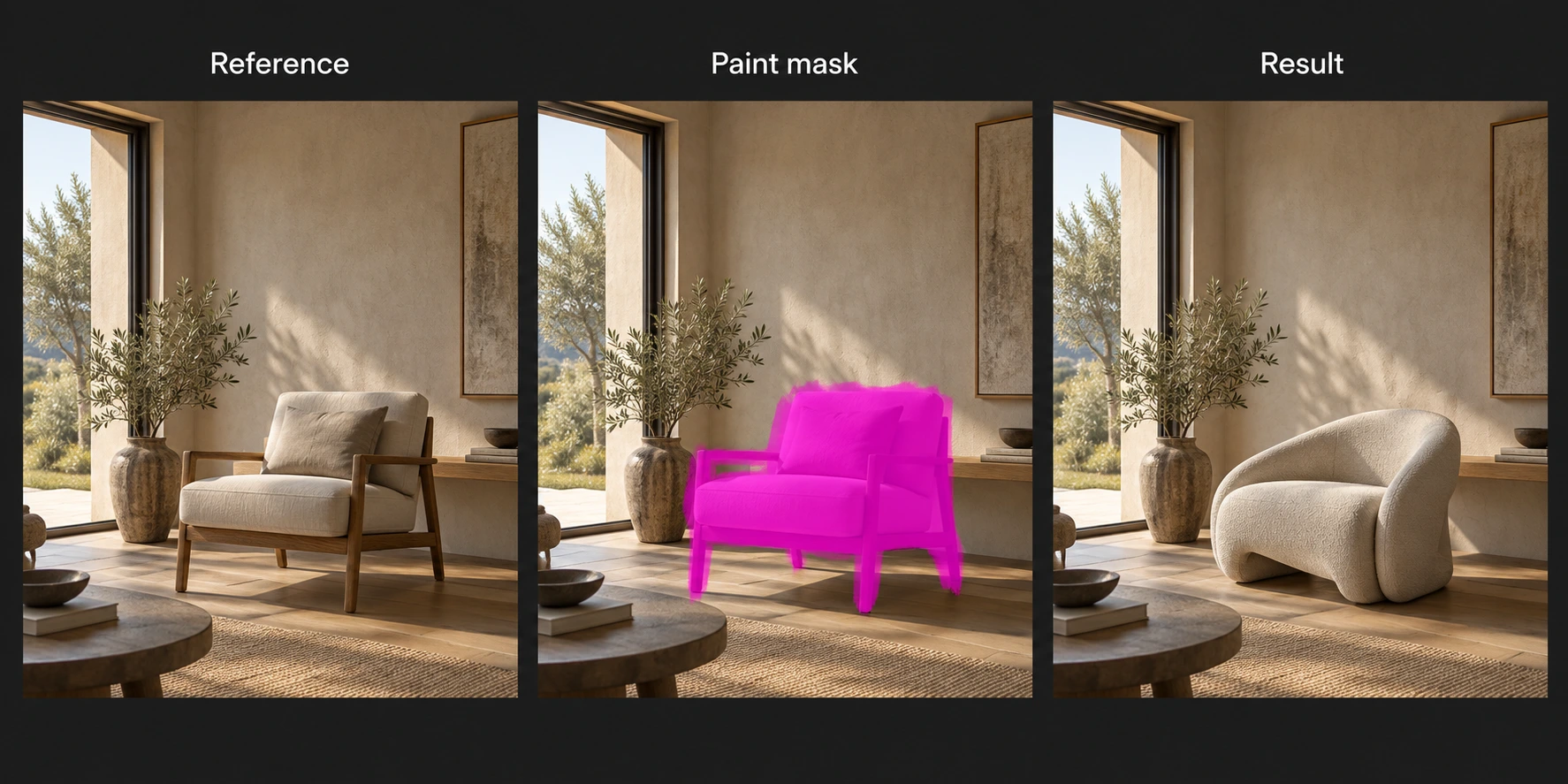
From a reference to a targeted edit.
I built the interface connecting reference selection, mask painting, workflow settings, job queues, and output review. Painting a mask isolates the area to change; the reference and mask are passed into the selected local ComfyUI workflow.
That editing workflow sits alongside runtime and model setup, image and video tasks, and 3D workflows in the same desktop application.
VR / BLUEPRINT GAMEPLAY
Gameplay built around interaction.
My gameplay work spans VR interaction, player controls, combat, abilities, and spatial systems, alongside a multi-platform roguelike shooter prototype. I develop the Blueprint logic that connects player input, object behaviour, and visual, audio, and haptic feedback.
Audio2Face–MetaHuman integrationLive and prerecorded audio-driven character animationView integration +
I connected NVIDIA Omniverse Audio2Face to MetaHumans in Unreal, using live and prerecorded audio to drive character animation. This brought external audio-driven input into the character workflow alongside other input methods.
My work covered input configuration, animation playback, camera and framing controls, and checking the data handoff between the external software and Unreal.
Live audio-driven MetaHuman animationPrerecorded audio-driven MetaHuman animation
CONTACT
Contact me.
For studio roles, freelance projects, production support, and creative collaboration.